Rays Mod Tools Hub
Printable binds and a week-long Mission Point plan. No fake code generators.
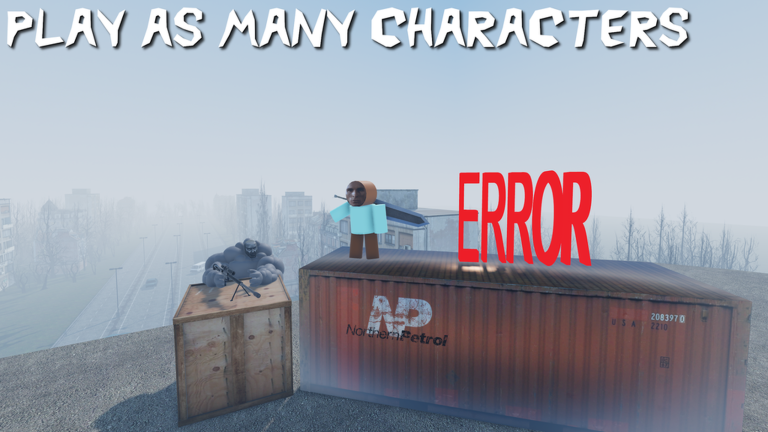
This hub holds the two interactive-style pages on the wiki: a PC and mobile controls cheatsheet and a Mission Points planner. They exist because the official Roblox description already prints Physics Gun binds, and v5.7 added a daily Mission Point track that punishes missed days. A wiki that only writes essays leaves those two jobs half done.
The cheatsheet restates the printed binds — LMB grab, RMB or G freeze, C or scroll further, X closer, E straighten, R rotate, hold Q for color and the spawn menu — then adds Tool Gun habits, mobile Spawn, PVP toggle, StreamingEnabled, and the Admin Revolver restriction. The planner turns the daily track into a seven-day checklist, including the monthly Day 7 exclusive (August 2026: Toy Car badge) and a yes/no on the 50% OFF MISSION ADDONS gamepass.
What these tools are not
They are not promo-code generators. Rays Mod has no official codes and no Trello. They are not script executors. Loadstrings belong on the scripts hub with warnings attached. They are not a live API into universe 1707552920. If dreamy™ changes a bind or a daily reward, we edit the JSON behind these pages the same way we edit guides.
Use the cheatsheet on a second monitor the first time you touch the Physics Gun. Use the planner on Sunday night if you care about Day 7. That is the entire product.
How the tools connect to guides
The cheatsheet is the pocket version of Physics Gun controls and Tool Gun and spawn menu. If a row on the sheet feels thin, the guide has the paragraph. The planner is the pocket version of Mission Points, which is also the only page with a YouTube embed. Watch the video, then tick the planner. Do not do those steps in reverse if you have never seen the daily UI.
Addon testing still happens in the left-side store. The planner will not tell you which pack to buy; the addon tier list will. The cheatsheet will not teach you Save n Load; build and Save n Load will. Tools stay short on purpose so you can glance, not scroll.
Suggested layout for a session
Phone or second screen: cheatsheet. Main screen: Roblox. After you survive the first freeze-and-weld, open the planner and mark whether you already claimed today. If it is day 6, set an alarm for day 7. If you are on a potato laptop, tick StreamingEnabled in the planner’s notes so you remember it on the next map vote.
Private servers (10 Robux, max 25) are the right place to drill binds without a public crowd. Singleplayer is the right place to test Admin Revolver after you buy the pass. Public multiplayer is the right place to spend Mission Points on something you already tested. The tools do not change those rules; they keep them visible.
If you arrived from a search for “Rays Mod tools” expecting a third-party executor, you are in the wrong tab. Official tools are Physics Gun and Tool Gun. Wiki tools are the two pages under this hub. Executors are unofficial and sit behind a warning on safer script habits.
Frequently Asked Questions
Quick answers to the most common Rays Mod questions.
What tools are on this Rays Mod wiki?
A controls cheatsheet and a mission planner. Nothing here generates promo codes or injects scripts.
Does the cheatsheet match the official description?
Yes. Grab, freeze, distance, straighten, rotate, and hold Q are copied from the printed Physics Gun list, then expanded for Tool Gun and mobile.
Can the planner claim Mission Points for me?
No. It is a checklist. You still claim inside the game. The Mission Points guide shows the habit.
Why is there no code generator?
Because there are no official codes. The codes hub explains the real reward channels.